Sports Articles

Use this space to provide your website visitors with a brief description on what to expect before
clicking on a section title.

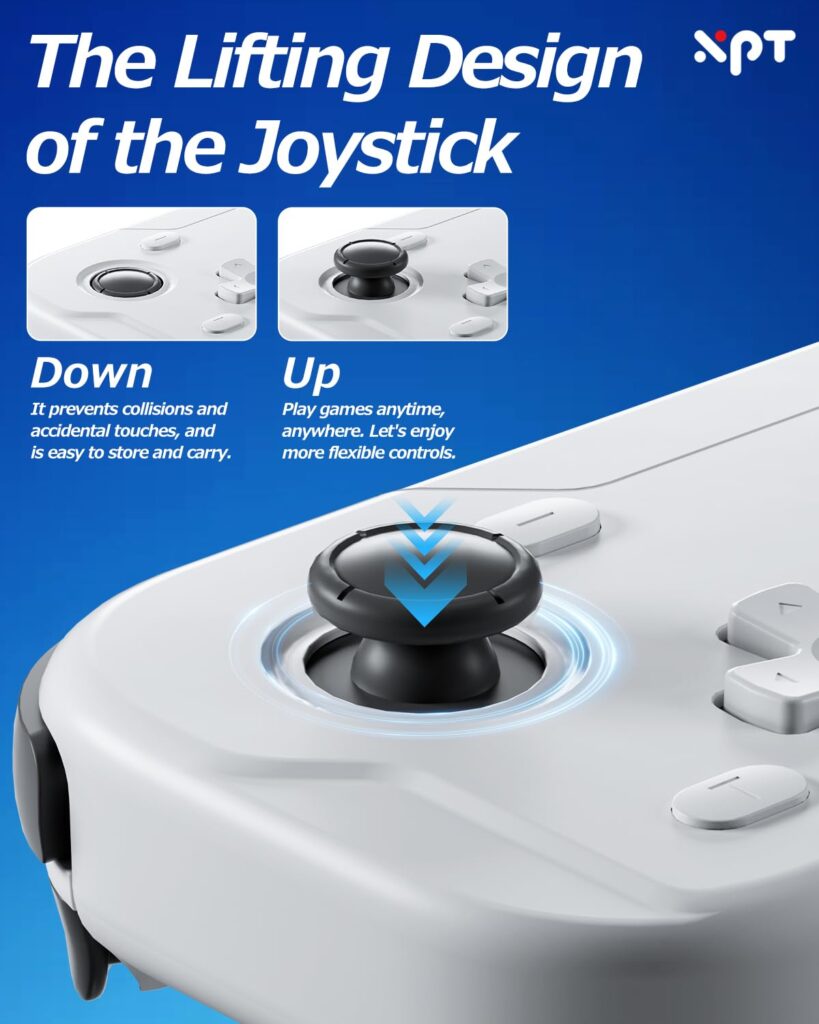
Ultra‑Slim Lightweight Portable Design

Featuring a slim, mini‑sized body and lightweight construction, this unit is perfectly built for portable gaming. It takes up little space and can be easily slipped into backpacks or pockets…
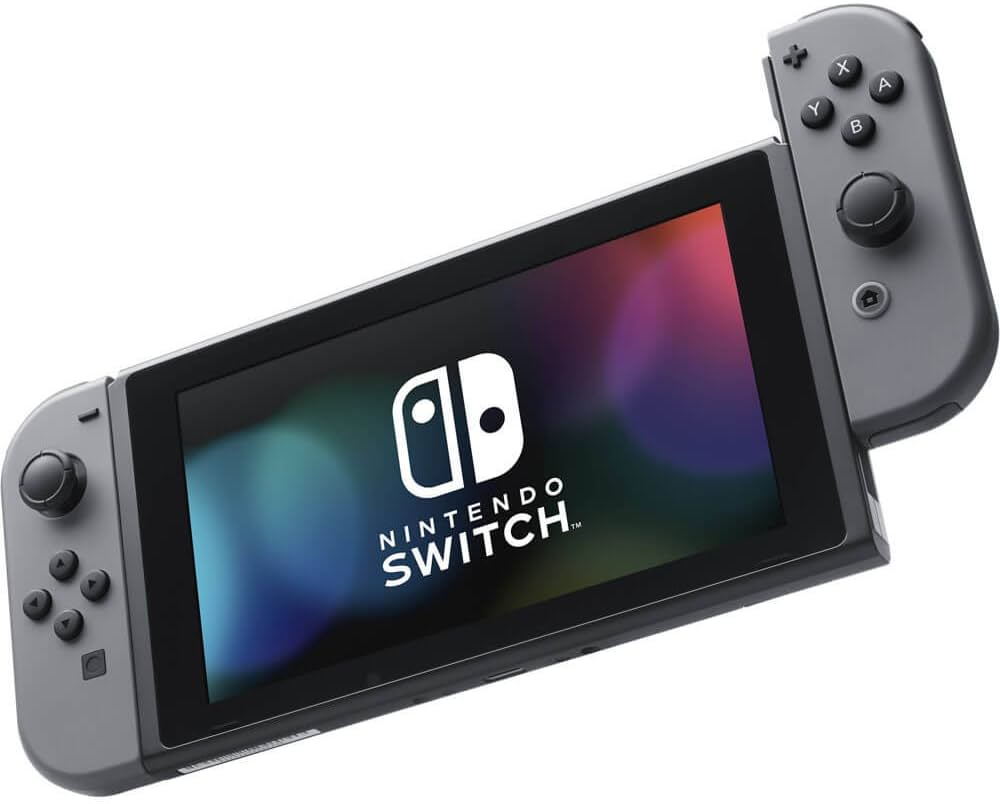
Plug‑and‑Play High‑Precision for Switch

Fully optimized for the Nintendo Switch system with plug‑and‑play convenience, no complicated pairing steps required. Responsive tactile buttons and precision‑tuned analog joysticks deliver instant input response. It handles action battles,…
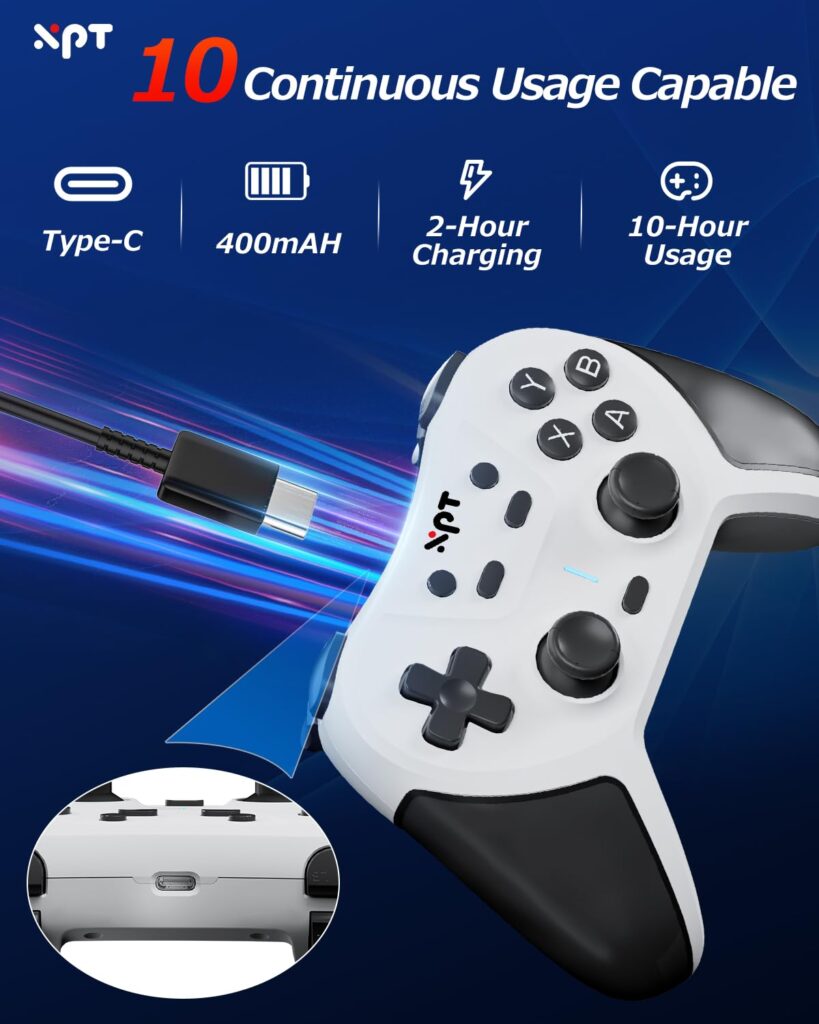
Wireless Bluetooth + Type‑C Fast Charging

Enjoy the freedom of lag‑free Bluetooth wireless connection, free from tangled cables during gameplay. Built‑in rechargeable battery supports hours of continuous gaming time. The practical Type‑C fast‑charging port allows quick…
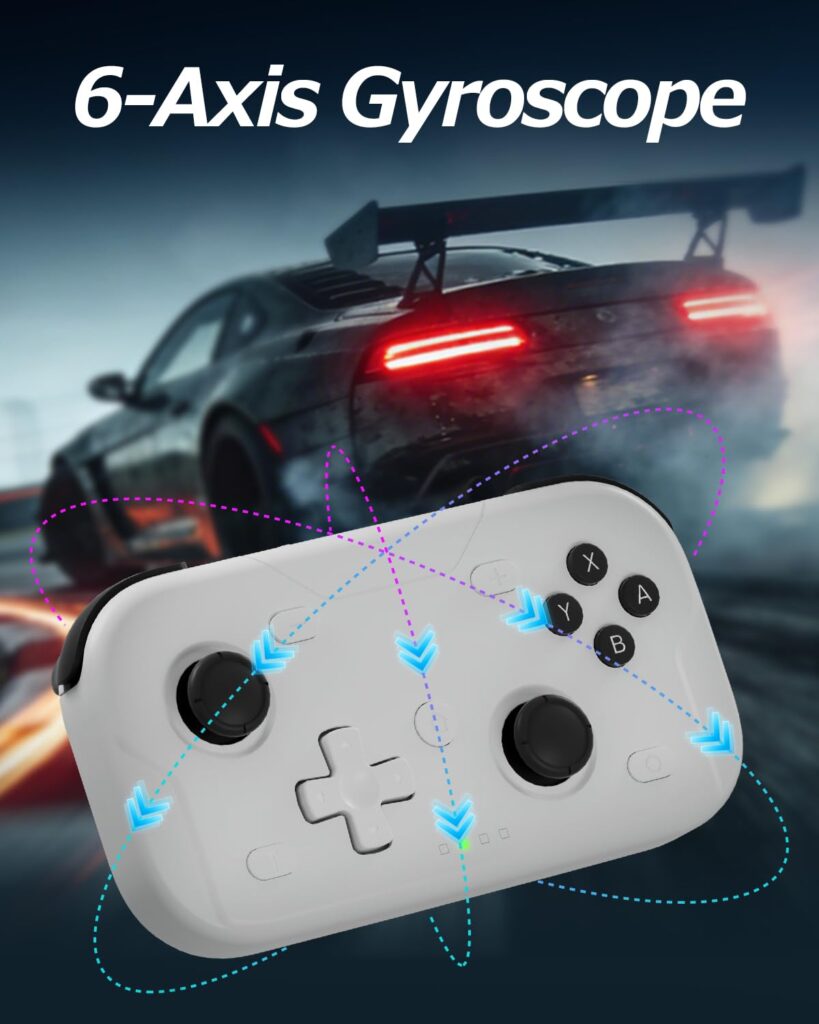
Hall‑Effect Anti‑Drift Multi‑Platform Gamepad

Adopted advanced hall‑effect joystick technology to effectively avoid the frustrating joystick‑drift problem that troubles many gamers. Offers ultra‑smooth and accurate stick movement for subtle directional control. Supports multi‑platform compatibility, performs…
view all Articles

Popular Products

Use this space to provide your website visitors with a brief description on what to expect before clicking on a section title.

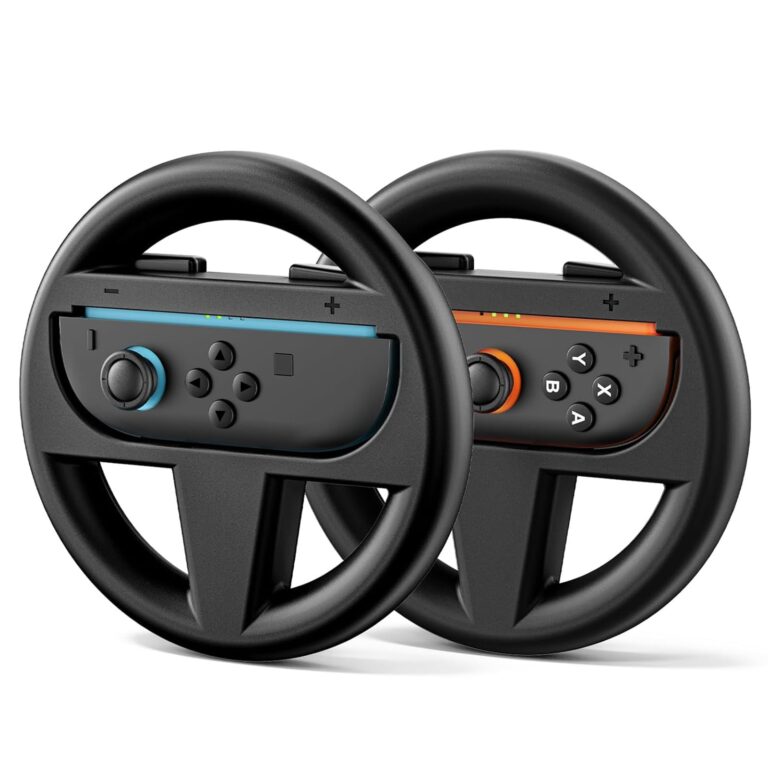
  • XPT013‑AC25 Switch2 Joy‑Con Steering Wheel 1‑Pair Black

    $12.00
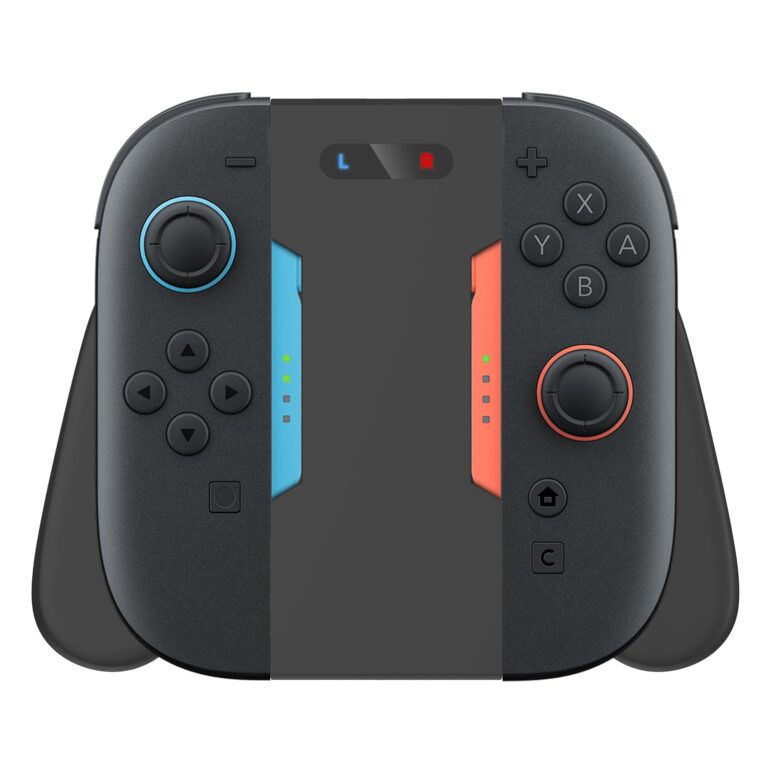
  • XPT009 Charging Grip for Switch 2 Joy‑Con

    $19.00
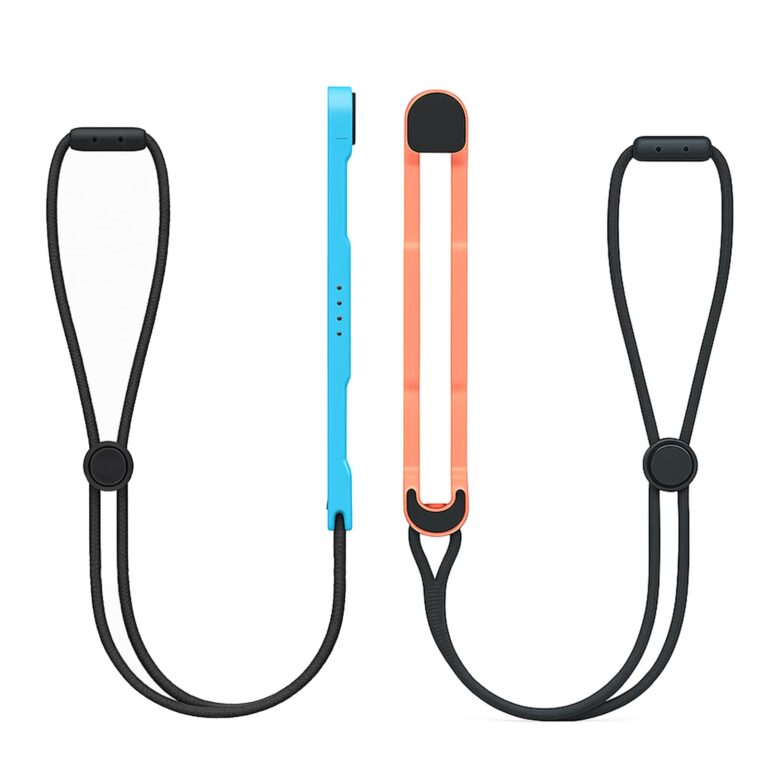
  • XPT018 Wrist Strap Lanyard for Switch2 Joy‑Con2

    $9.00
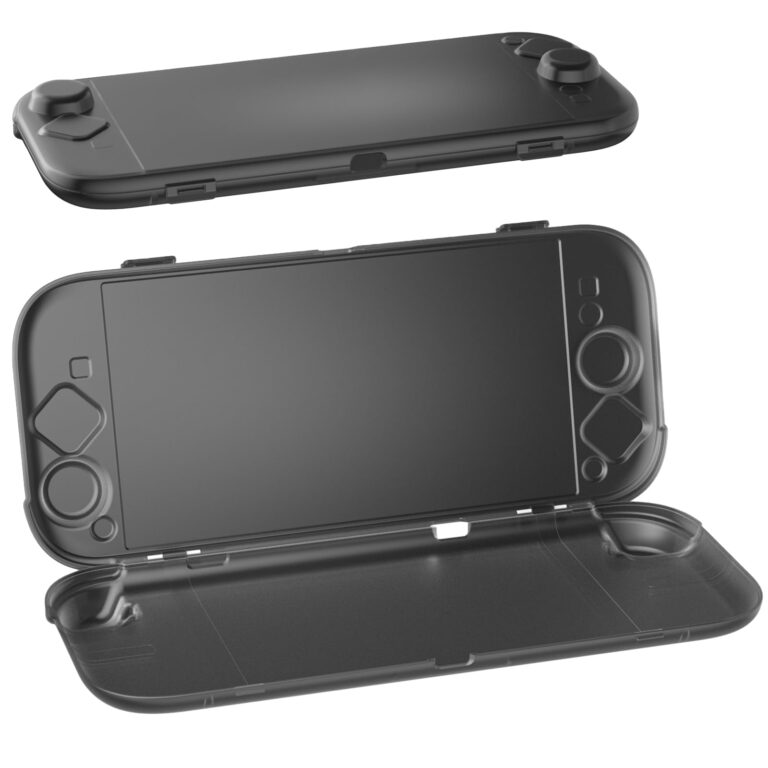
  • XPT011 AC12 Switch2 Hard Protector Case

    $15.00
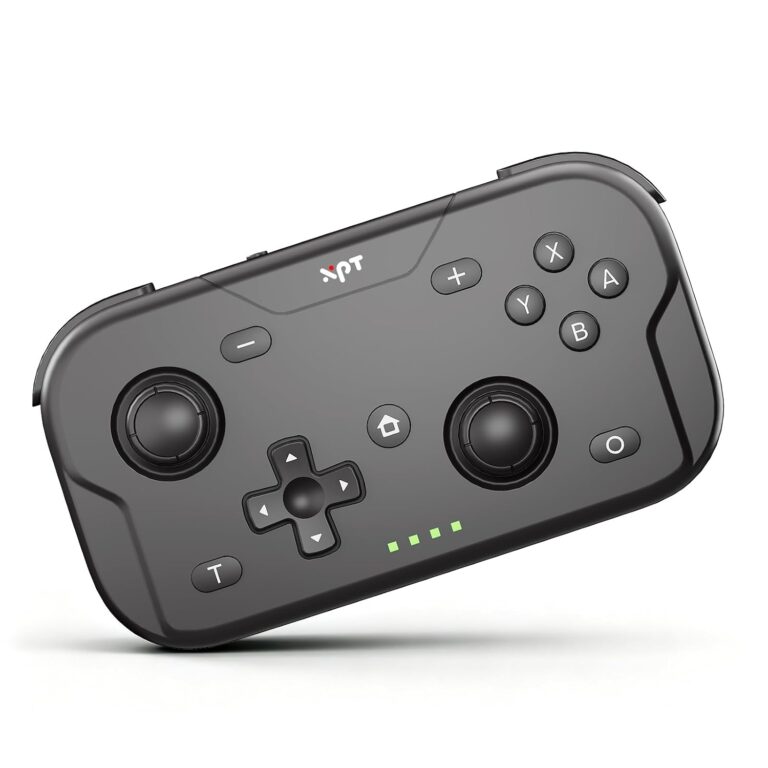
  • XPT T50 Pocket Mini Switch Controller (Black)

    $25.00
  • XPT T50 Pocket Mini Switch Controller (Black)

    $25.00
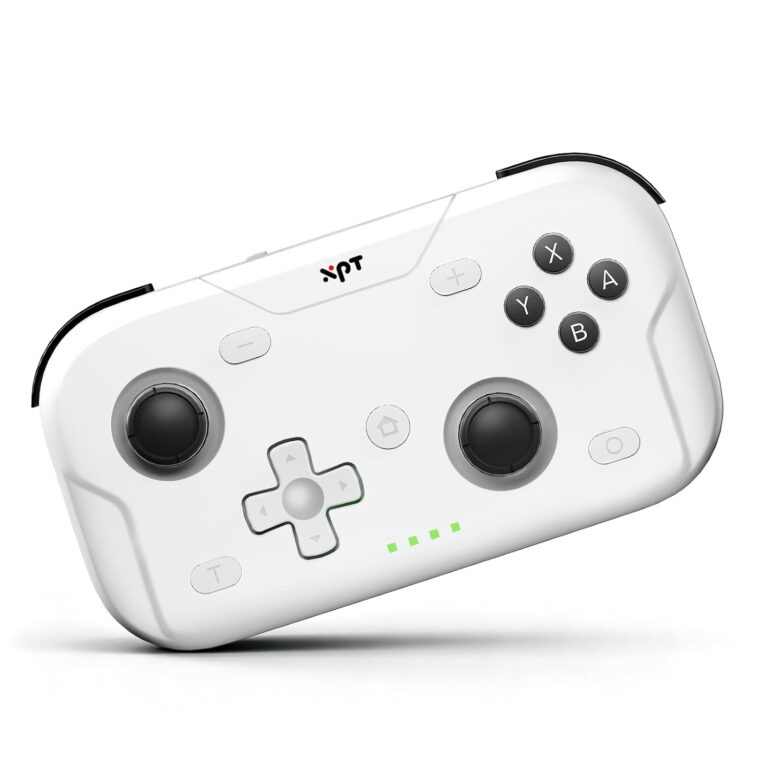
  • XPT T50 Pocket Mini Switch Controller (White)

    $25.00
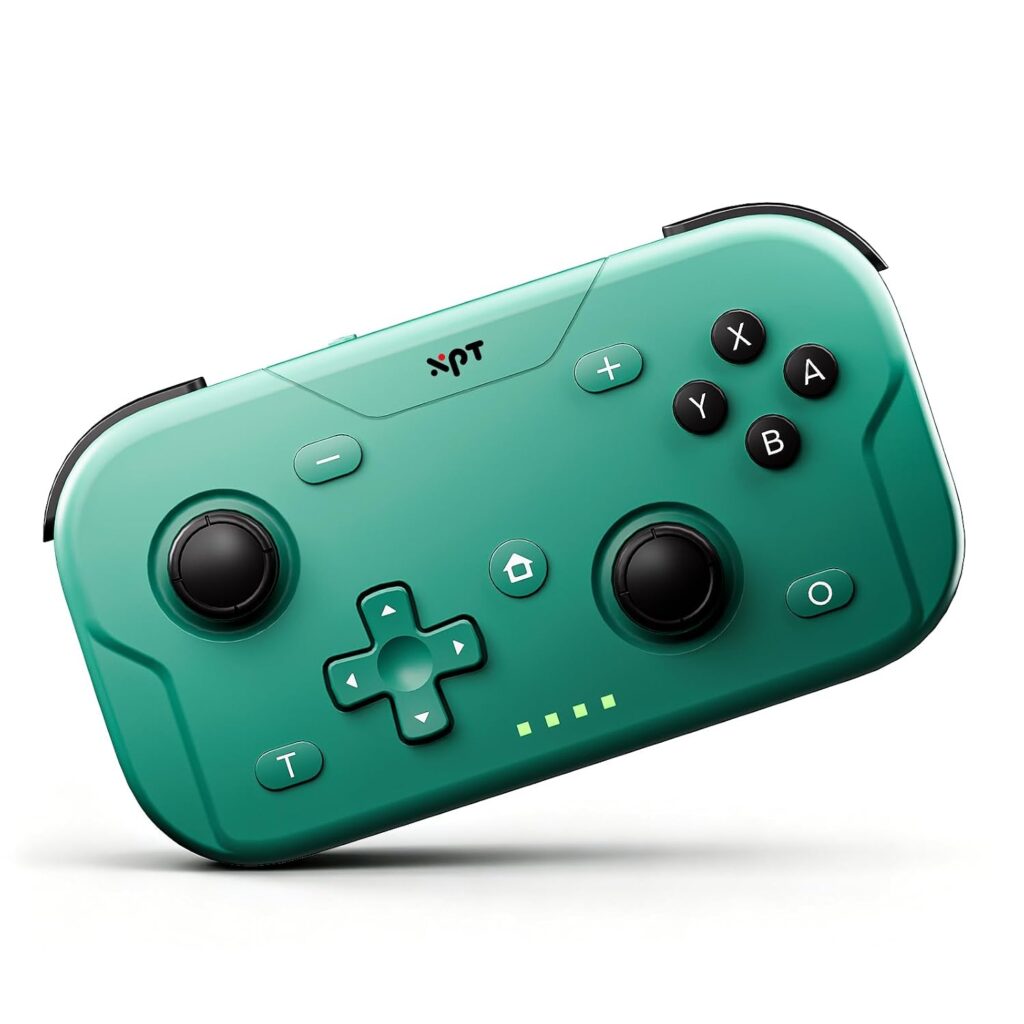
  • XPT T50 Pocket Mini Switch Controller (Green)

    $25.00
enry your game

XPT/T50
Mini Switch Controller

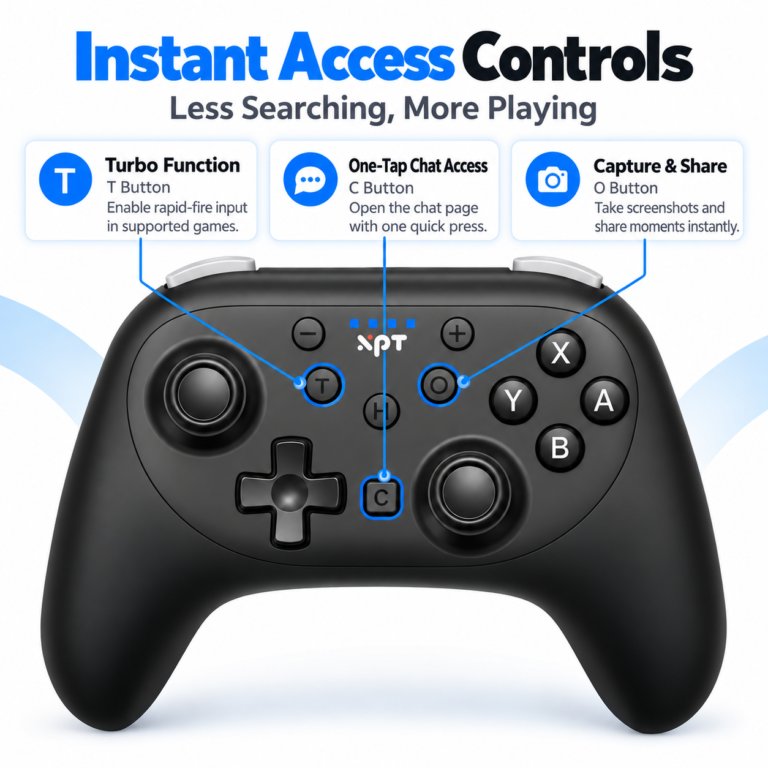
The XPT T50 is a pocket-sized wireless controller that supports Switch, PC, Steam Deck, iOS, and Android, featuring a liftable joystick, 1000Hz polling rate, 6-axis gyro, and HD rumble for an immersive gaming experience anywhere. 

BLACK

green

white

Frequently Asked Questions

Use this space to provide your website visitors with a brief description on what to expect before clicking on a section title.

Make sure the controller is in pairing mode (indicator light flashing rapidly). Go to Switch “Settings” → “Controllers and Sensors” → “Search for Controllers” to pair.
If there is an existing pairing record but connection fails, go to “Settings” → “Controllers and Sensors” and delete the controller’s pairing info, then search and pair again.

If using Bluetooth, try switching to a wired connection to test — if wired works, the issue is with Bluetooth; if both fail, press the Reset pinhole to reset the controller.

Check if the game itself supports controller input (some mobile games require you to manually enable controller mode in their settings).
Go to your phone’s Bluetooth settings, delete the controller’s pairing record, then search and pair again.

Use a standard 5V/1A or 5V/2A charger. Do NOT use phone fast chargers. High voltage/current from fast chargers can damage the controller battery and significantly shorten its lifespan over time.

 Open “Control Panel” → “Hardware and Sound” → “Devices and Printers”. Right-click the controller icon, select “Game Controller Settings” → “Properties”, and test if buttons respond. If they do, the hardware is fine — the issue is with your game settings.

Check if the controller is in the correct mode for your phone (some controllers have iOS/Android mode switches — switch to the corresponding mode).

Open Steam → top-left “Steam” → “Settings” → “Controller” → “General Controller Settings”. Check “Generic Gamepad Configuration Support” or the corresponding option for your controller model.

Locate the reset pinhole on the back of the controller and press and hold it for 3 to 5 seconds until the controller’s indicator light flashes or turns off and then turns back on, indicating that the reset was successful.